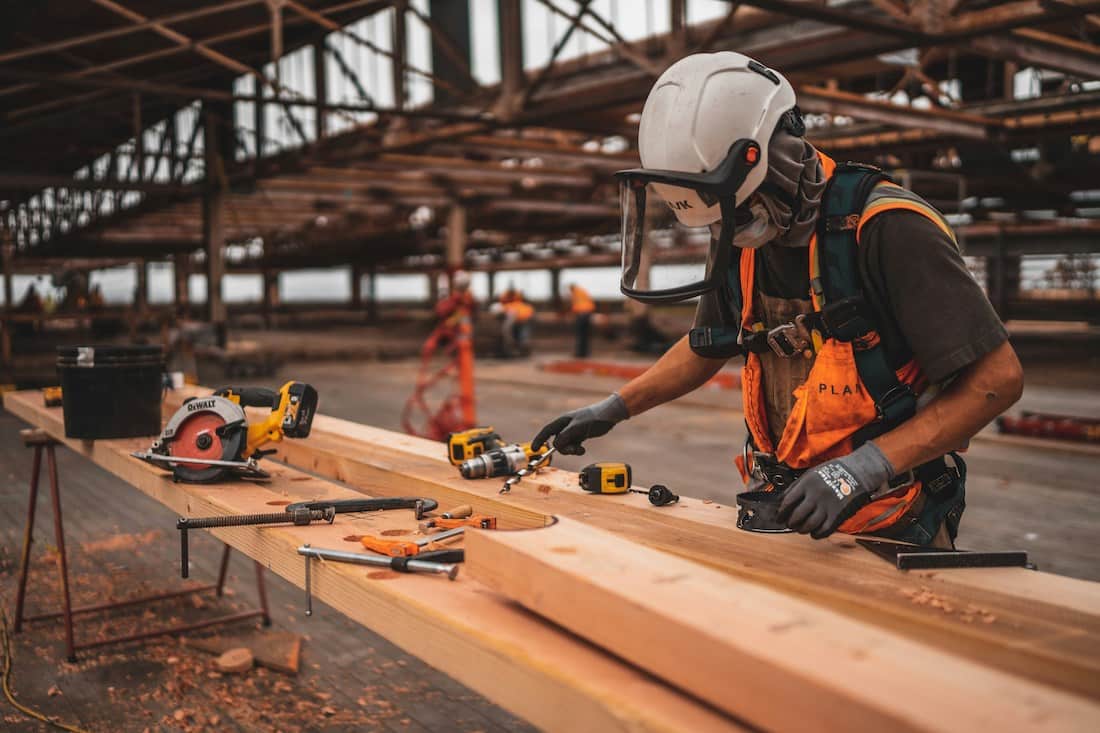
On a building under construction, the hoist moves almost everything: crews at the start of a shift, materials through the day and debris on the way down. Until the permanent lifts are running, it’s the only way up. So the way workers tell the operator where to stop matters more than it looks. A missed call leaves a crew standing at the landing gate, and a misheard floor sends the hoist to the wrong level.
Most sites use one of four methods. Here’s how each one works, where it falls short and what to check before you choose.
Why Calling the Hoist Gets Harder as the Building Rises
On the first few floors, the operator can usually see or hear who’s waiting. As the structure goes up, that stops being true. The landing that needs the hoist might be 20 or 30 floors away, out of sight, and surrounded by drilling, cutting and concrete pumping.
The operator also has a job to do: running the hoist safely and managing loads. Any calling method that needs their full attention, or leaves them guessing, slows down everything that moves vertically on site.
1. Shouting and Hand Signals
The simplest option costs nothing. A worker calls out or waves from the landing, and the operator responds.
It works on a low-rise site where the operator can see every landing. Beyond a few floors it breaks down: machinery drowns out voices, the operator can’t see landings above or below the cage, and it’s easy to mistake one floor for the next.
2. Two-Way Radios (Walkie-Talkies)
Many sites already use radios, so they’re a natural next step. A worker radios the operator with their floor, and the operator confirms.
Radios are flexible because people can talk, not just call. The trade-offs show up on a busy site:
- Everyone who needs the hoist needs a charged handset, and handsets get lost, dropped or left in the site office.
- A shared channel gets busy. Calls overlap and some are missed.
- Numbers are easy to mishear in the noise. “Thirteen” and “thirty” sound alike over a radio.
- The operator has to answer and confirm calls while running the hoist.
3. Wired Call Panels and Intercoms
A wired system puts a fixed call panel or intercom at each landing, cabled back to the hoist. Workers don’t need to carry anything, and every landing has its own call point.
The catch is the cable. It has to be run up the building, extended as new floors are added and protected from damage on a site where materials are always moving. When the job finishes, it has to be stripped out again. That’s a lot of work for something that’s only there for the construction period.
4. Wireless Call Buttons
A wireless hoist call system puts a call button at each landing and a receiving panel inside the hoist cage. When a worker presses the button, it sends the floor’s location to the receiver, which sounds a chime and shows the operator which level is calling.
With no cabling and nothing for workers to carry, it avoids most of the problems above:
- The operator sees the floor number instead of hearing it, so there’s less room for mistakes.
- Workers press the button once and carry on working until the hoist arrives.
- Installing it means mounting the buttons. There are no cables to run or extend.
- When the permanent lifts are running, the system comes down quickly and moves to the next project.
The main thing to manage is power. Battery-powered call buttons need recharging from time to time, so it helps to add charging to the site’s maintenance routine.
The Four Options Side by Side
| Method | Works across many floors | What workers need | Main drawback |
|---|---|---|---|
| Shouting & hand signals | No | Nothing | Lost in site noise; only works within sight |
| Two-way radios | Yes | A charged handset each | Missed or misheard calls; the operator answers while running the hoist |
| Wired call panels | Yes | Nothing | Cabling to run, extend, protect and strip out |
| Wireless call buttons | Yes, within the tested range | Nothing | Call buttons need recharging |
What to Check Before You Buy a Hoist Call System
If you decide on wireless call buttons, these are the questions worth asking any supplier:
- Vertical range. Will the signal reach from the lowest landing to the top floor without a repeater? Ask for a tested figure that covers the building’s full height, not just the current floor count.
- Weather sealing. Landing call points are exposed to rain and dust. Look for fully sealed housings on both the call buttons and the receiver.
- Battery life and charging. How long do the call buttons last between charges, and how are they recharged?
- What the operator sees. A chime alone tells the operator someone is calling. A chime plus the floor number tells them where to go.
- No network needed. Floors under construction rarely have Wi-Fi. A system that runs on radio frequency, without internet, avoids that problem.
- Portability. Can you take it down easily and set it up again on the next site?
- Lead time. Ask how long delivery takes, so the system is in place before the hoist starts serving the upper floors.
For reference, the SIGNALGRYD hoist and elevator call system is tested to reach 40–50 floors without a signal repeater, uses fully sealed call buttons and receivers, and runs on radio frequency with no cables or internet. Call button batteries last up to 6–12 months.
How to Set Up Hoist Call Buttons on Site
- List every landing the hoist serves. Each floor or platform gets one call button. Count up to the building’s final height.
- Mount each button near the landing gate. Put it where workers wait for the hoist, at a height everyone can reach and away from where materials are stacked or moved.
- Place the receiver where the operator can see and hear it. It goes inside the hoist cage, within the operator’s line of sight.
- Test every floor before the crews start using it. Press each button in turn and check that the receiver shows the right level.
- Brief the crews. Show workers where the buttons are and explain that one press is enough.
- Add charging to the maintenance routine. Note when the call buttons were last charged so none runs flat mid-project.
When the Permanent Lifts Take Over
Once the building’s own lifts are running, the hoist comes down, and so does the call system. With no cables to strip out, the call buttons and receiver can be removed, recharged and stored for the next project. That makes a wireless system site equipment you keep, not a one-off cost for each building.
Getting a Quote
To size a hoist call system, we need two numbers: how many landings need a call button, and how many hoist cages need a receiver. Send us your floor and hoist count and we’ll reply with a quotation within 24 hours. Delivery usually takes about a week when items are in stock.
About SIGNALGRYD
SIGNALGRYD supplies wireless paging systems in Singapore: customer pagers and buzzers, table call buttons, nurse call and queue number systems for F&B, hotels, healthcare and construction. Read our story.