Healthcare
Patient Paging System for Hospitals & Clinics
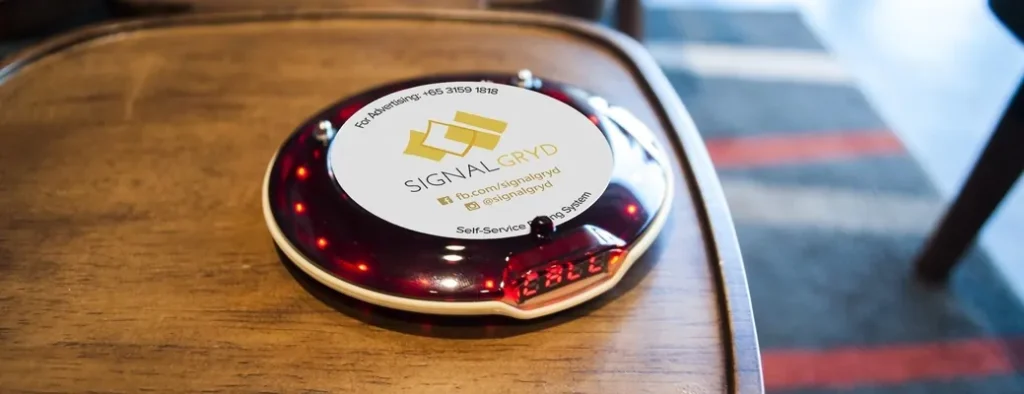
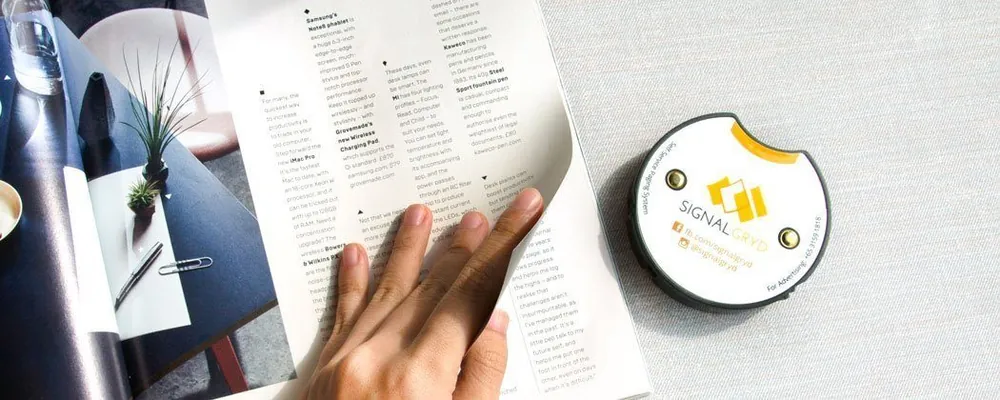
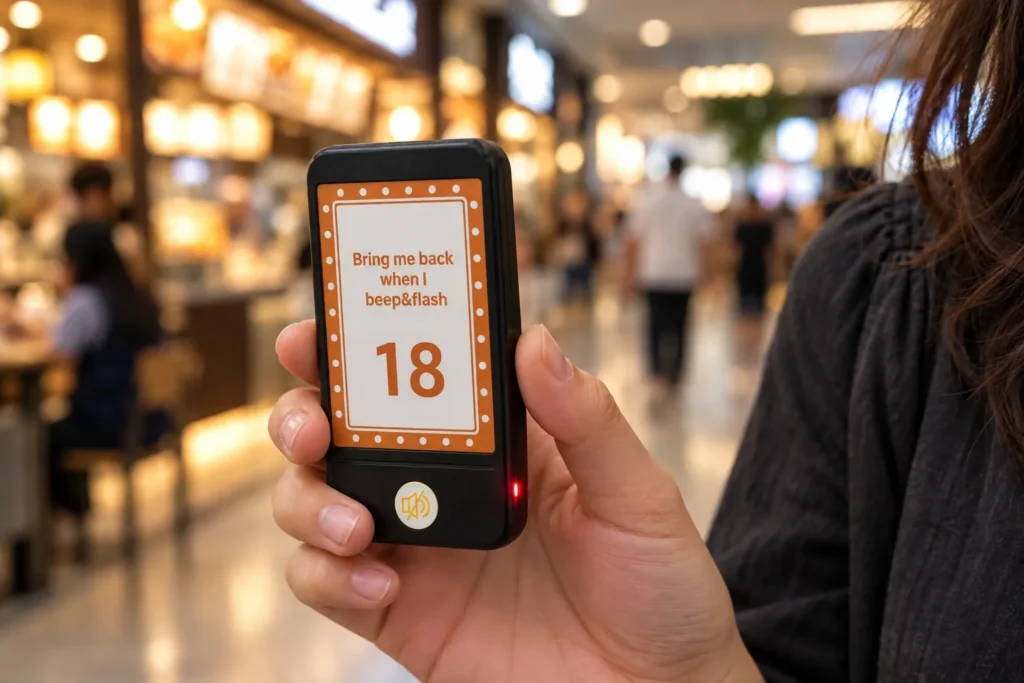
Hand patients a pager when they check in. They can wait in comfort, grab a coffee or step outside, and the pager calls them back discreetly when it’s their turn, without announcing names.
- No Names Called Out
- Up to 999 Pagers
- Works Without Internet
Patient 27, Room 3
Discreet pager alert
How It Works
How a Patient Paging System Works
Check In
Patients register, take a pager and wait wherever they’re comfortable.
Alert When Ready
When the doctor or pharmacy is ready, staff key the pager’s number into the transmitter.
Get Notified
The pager beeps, flashes or vibrates, and the patient returns.
Introduction to Customer Paging
See how a pager hand-off replaces calling out names in a waiting room.
Where It Works
Where Patient Pagers Help Most
Three common healthcare settings, and the series that usually suits each.
Pharmacies & Dispensaries
Patients hand in a prescription, take a pager and sit down. When the medicine is ready, the pharmacist pages them to collect, without calling names across the counter.
Specialist & Dental Clinics
Patients wait in the lounge or step out for a coffee, and come back when the pager goes off. Long range lets them go a little further.
Families Waiting for News
Family members waiting during a procedure can sit somewhere comfortable or have a coffee, and staff page them when there’s news.
Products
Pager Series for Clinics & Pharmacies
Four pager series. Series Slim suits pharmacies where patients register and collect at the same counter.
Series Pacific
800 m range, drop-resistant rubber, anti-theft alarm and quick charging.
Series Classic
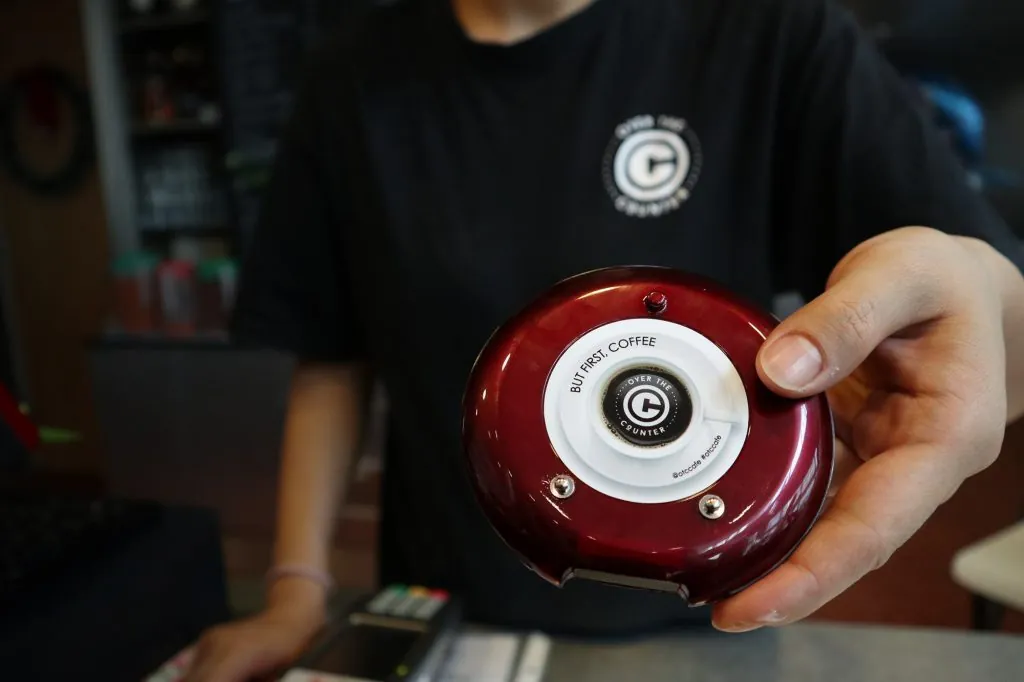
Basic, functional and affordable: the most common pager on the market.
Series Mini S
A small, sleek buzzer that sits comfortably in the palm of your hand.
Series Slim
The new SG600SLX: keypad, number display and charging for 20 pagers in one slim base, ideal when ordering and collection share a counter.
Across Our Pager Series
- CE & IMDA Compliant
- Up to 800 m Range
- Water & Impact Resistant
- Smart Charging
- Up to 999 Pagers
- No Wi-Fi Needed
Hospital Paging
Two Kinds of Hospital Paging
Hospitals and clinics use paging in two directions. This page covers paging patients.
Patient Paging
Patients carry a pager while they wait. Staff send an alert when the doctor, pharmacy or lab is ready, and the pager calls the patient back.
Patients press a call button at the bed or in a treatment room, and the nurse’s pager or watch shows who needs help and where.
Compare
Pagers vs Calling Names vs a Number Display
Three ways to call the next patient, and what each means for privacy.
| Method | How patients are called | Privacy | Can patients step away? |
|---|---|---|---|
| Calling out names | A name read out or announced | Everyone hears the name | No, they must stay within earshot |
| Queue number display | A number on a screen | Only a number is shown | No, they must keep watching the screen |
| Patient pagers | The pager beeps, flashes or vibrates | Nothing is announced | Yes, within range |
Running a queue across several counters? See our clinic queue system.
Benefits
Why Clinics Use Patient Pagers
Freedom to Roam
Patients and family members can wait in a lounge, a café or outside and still return on time.
Protects Privacy
No names are called out across the room. Pagers beep, flash or vibrate, whichever suits your facility.
Less Stress
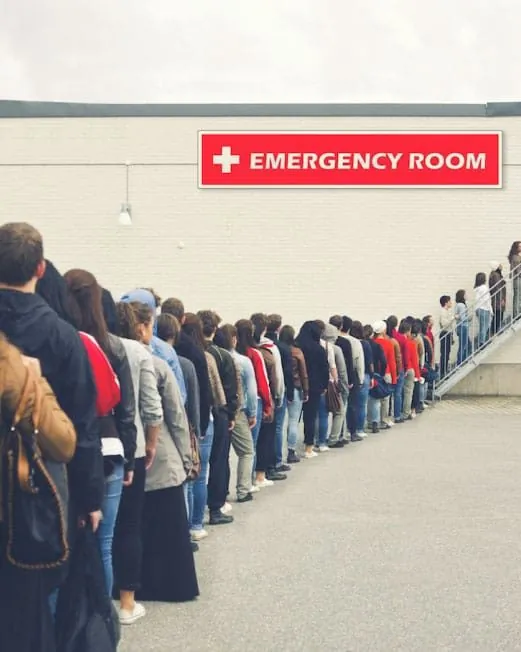
Waiting rooms are less congested, which is calmer for patients, families and staff.
Smoother Scheduling
Patients hear promptly when it’s their turn, which keeps appointments moving.
More Time for Care
Staff spend less time looking for patients and more time on care.
Works Offline
Pagers run on regulated radio frequency, so they keep working even if the internet fails.
Sizing
How Many Pagers Does Your Clinic Need?
Three quick steps. Then we’ll confirm the setup and send a quotation.
Count Your Busiest Waiting Room
How many patients wait at once on your busiest day? Start with that many pagers.
Add a Few Spares
Extra pagers mean one is always charged. You can add more later.
Choose the Series
Slim suits a single pharmacy counter; Pacific suits patients who step further away.
What Affects the Price
- The pager series you choose
- How many pagers you need
- The number of transmitters and charging bases
- No Monthly Fees
- 10% Price Beat
- No GST
Price beat applies to bundled sets. T&Cs apply.
Related Solutions
Other Paging Systems for Healthcare
Run each system on its own or combine them.
FAQ
Patient Paging FAQs
What is a patient paging system?
A set of wireless pagers and a transmitter. Patients carry a pager while they wait, and staff page them when it’s their turn, so names don’t have to be called out.
Why use pagers instead of calling names?
Pagers call patients back discreetly, so names aren’t announced across the room. That protects privacy and keeps the waiting area calm.
Can patients leave the waiting room?
Yes. They can wander the hospital grounds or wait in a café nearby. Series Pacific reaches up to 800 m.
Can a family member carry the pager?
Yes. Hand it to whoever is waiting, whether that’s the patient or a family member.
Does it help patients who are hard of hearing?
Yes. Because pagers can vibrate and flash, patients using hearing loops can watch TV without worrying about missing their call.
How many pagers can one system handle?
Up to 999 pagers on a single system.
Can we add more pagers later?
Yes. New pagers are paired to your system, which your staff can do with no software, and we’re happy to help.
Does it need Wi-Fi or internet?
No. It works through regulated radio frequency signals, with no internet connection.
How much does a patient paging system cost?
Pricing depends on how many pagers and transmitters you need, so we quote for each facility. Tell us your quantities and we’ll send a quotation within 24 hours.
How long does delivery take?
Usually about one week when the items are in stock, or up to two weeks when they need to be restocked.