Healthcare
Wireless Nurse Call System for Hospitals & Clinics
Patients press a call button at their bed, in a treatment room or at an unmanned reception desk, and nurses see exactly who needs help and where. A standalone wireless system with no internet needed.
- Shows Who & Where
- Discreet Alerts
- No Internet Needed
Room 12 Needs Assistance
Nurse call pressed
+15%
Staff productivity, as nurses respond quickly and accurately
+20%
Patient satisfaction when help is one press away
600 m
Maximum transmitting range with Series Primary, across wards and floors
Figures are SIGNALGRYD estimates.
The Basics
What Is a Nurse Call System?
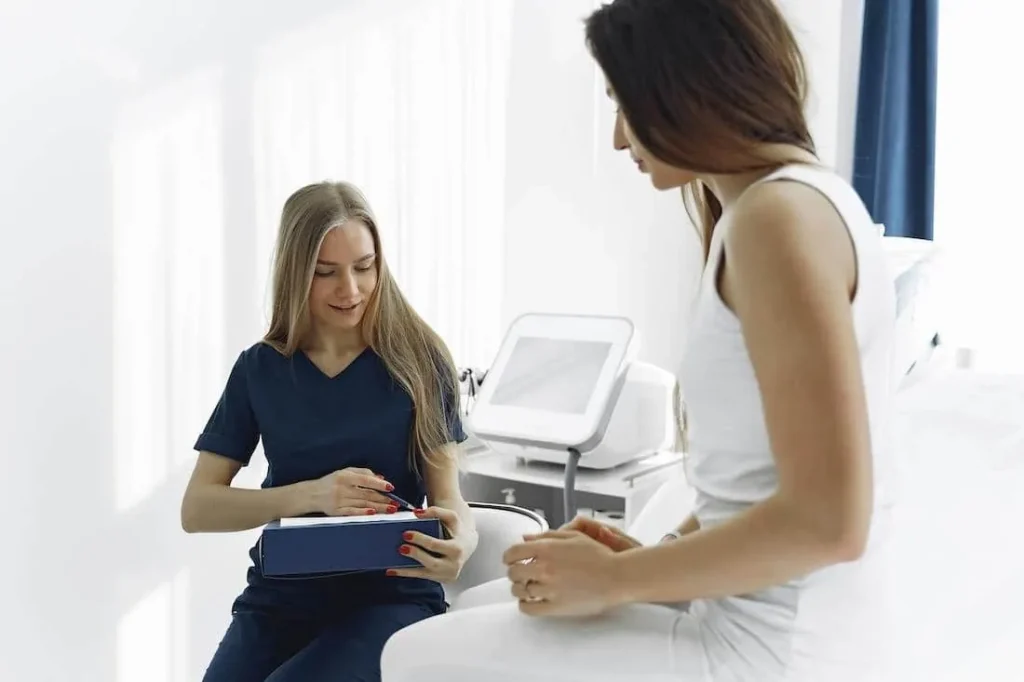
A nurse call system lets patients call for help with one press of a button at the bed, in a treatment room or at a reception desk. The nurse’s pager or watch shows who is calling and where, so help goes straight to the right place.
A simple call bell only rings. A nurse call system also tells staff which bed or room called, and a wireless one needs no cabling, so it suits existing buildings, clinics and temporary wards.

At a Glance
- Range
- Up to 400 m or 600 m
- Receivers
- Pager, watch or display panel
- Buttons
- Bedside, table or wall
- Power
- Rechargeable lithium-ion
- Extra range
- Optional signal repeater
- Internet
- Not needed
How It Works
How a Nurse Call System Works
Call for Assistance
The patient presses the call button when they need help.
Receive the Alert
Nurses are notified straight away, with the source and location of the call.
Attend to the Patient
Nurses go straight to the right bed or room.
Call buttons sit within reach, so patients don’t have to wait for the next round.
Where It Works
Where Nurse Call Is Used
Three healthcare settings, and the series that usually suits each.
Hospital Wards & Bedsides
A call button within reach of every bed. Nurses see the bed number on their pager or watch, wherever they are on the floor.
Clinics & Dental Practices
Buttons in treatment rooms and at an unmanned reception desk let patients reach staff without leaving the room.
Pharmacies & Unmanned Counters
Customers at an unattended counter press a button, and the pharmacist in the back is alerted straight away.
Products
Call Button Series for Wards & Clinics
Two call button series. Series Modern is soft and discreet; Series Primary has stronger alerts and more custom options.
Series Modern
Sleek and minimal in bold colours, with soft, discreet alerts. Up to 400 m range.
Series Primary
Classic and practical, with stronger alerts and more custom options. Up to 600 m range.
Every Series Includes
- CE & IMDA Compliant
- Water & Impact Resistant
- Lithium-Ion Rechargeable
- Up to 600 m Range
- Local Warranty
- No Internet Needed
Placement
Where to Place Nurse Call Buttons
Within Reach of the Bed
On the bedside table or fixed to the wall, where a patient lying down can press it.
Treatment & Consultation Rooms
One per room, so a patient can call staff without leaving it.
Unmanned Reception Desks
Visitors press to call a staff member to the desk.
Thick Walls & Several Floors
Add an optional signal repeater where walls or floors weaken the signal.
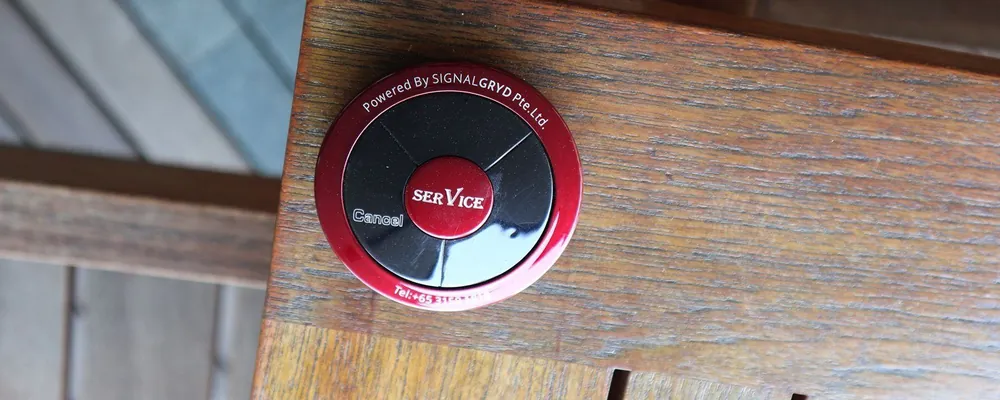
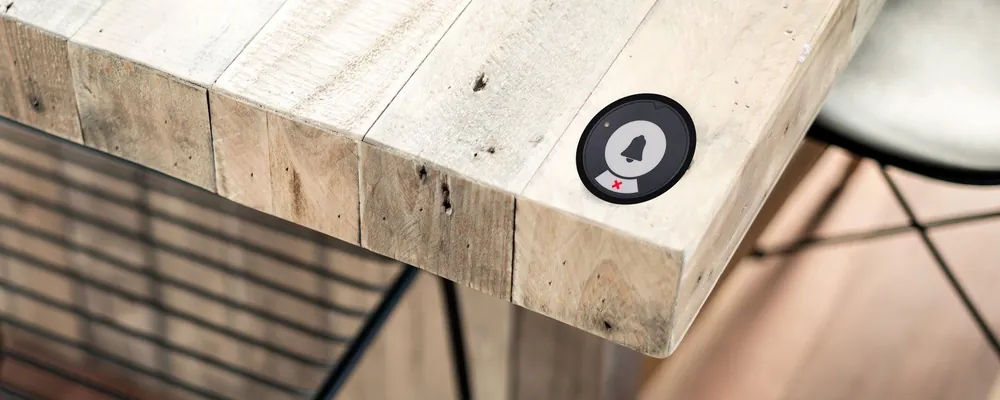
Buttons sit on a table or fix to a wall.
Compare
Wireless vs Wired Nurse Call Systems
Both alert nurses. They differ in how they’re installed and how easily they grow.
| System | Installation | Adding a bed later | Best for |
|---|---|---|---|
| Wired nurse call | Cabling run through walls and ceilings | More cabling work | New buildings where cabling is planned from the start |
| Wireless nurse call | Mount the buttons, with no cabling | Pair a new button yourselves, no software needed | Existing buildings, clinics, temporary wards and nursing homes |
Benefits
Why Healthcare Teams Use Nurse Call
Faster Response
Nurses know who is calling and where before they set off, with no hunting from room to room.
Discreet Alerts
A low-powered system: pagers only beep or vibrate when a call comes in, which keeps wards quiet.
Reach Other Departments
Staff can page other departments about urgent tasks or emergencies, not just answer patients.
Easy to Learn
Patients press one button, and new staff pick the system up quickly.
Sizing
How Many Call Buttons Does Your Facility Need?
Three quick steps. Then we’ll confirm the setup and send a quotation.
Count the Call Points
Beds, treatment rooms and reception desks that need a button.
Choose the Receivers
Pagers or watches for nurses, or a display panel at the nurses’ station.
Check the Coverage
Send us the floor plan, and we’ll confirm the series and any repeaters.
What Affects the Price
- The call button series you choose
- How many buttons and receivers you need
- Any signal repeaters
- 10% Price Beat
- No GST
Price beat applies to bundled sets. T&Cs apply.
Related Solutions
Other Paging Systems for Healthcare
Run each system on its own or combine them.
Elderly Call Bell System
A one-press call bell for ageing parents at home and nursing home residents.
Patient Paging System
A discreet pager calls patients back, without announcing names.
Clinic Queue System
Queue numbers and counter calling for busy waiting rooms.
Staff Calling for Every Industry
Staff paging for restaurants, hotels, clinics and sites.
FAQ
Nurse Call System FAQs
What is a nurse call system?
Call buttons for patients and pagers, watches or a display for staff. One press shows nurses who needs help and where.
What’s the difference between a nurse call bell and a nurse call system?
A bell only rings. A nurse call system also shows which bed or room is calling, on the nurse’s pager or watch, wherever they are.
Can patients call a nurse from their bed?
Yes. Place a call button at each bed or treatment room. When a patient presses it, the nurse’s pager or watch shows the room that needs help.
Is it suitable for clinics and nursing homes?
Yes. It’s used in hospitals, clinics, dental practices, nursing homes and pharmacies. For homes and eldercare, see our elderly call bell system.
Can staff call other departments?
Yes. Staff can page other departments about immediate tasks or emergencies, as well as answer calls from patients.
Is it discreet?
Yes. It’s a low-powered system, and pagers only beep or vibrate when a call comes in, so you reach staff quickly and quietly.
Can we add beds later?
Yes. Add call buttons as you need them. Each one is paired to your system, which your staff can do with no software, and we’re happy to help.
Does it need Wi-Fi or cabling?
No. It communicates wirelessly by radio frequency, with no internet connection required.
How much does a nurse call system cost?
Pricing depends on how many call buttons, pagers and receivers you need, so we quote for each facility. Tell us your quantities and we’ll send a quotation within 24 hours.
How long does delivery take?
Usually about one week when the items are in stock, or up to two weeks when they need to be restocked.