
Customer Paging System
Wireless Customer Paging System
Hand each customer a pager. When their order, table or turn is ready, one button makes it beep, light up and vibrate. Used by restaurants, clinics, hotels and service counters, with no Wi-Fi needed.
- 4 Pager Series
- Up to 999 Pagers
- No Wi-Fi Needed
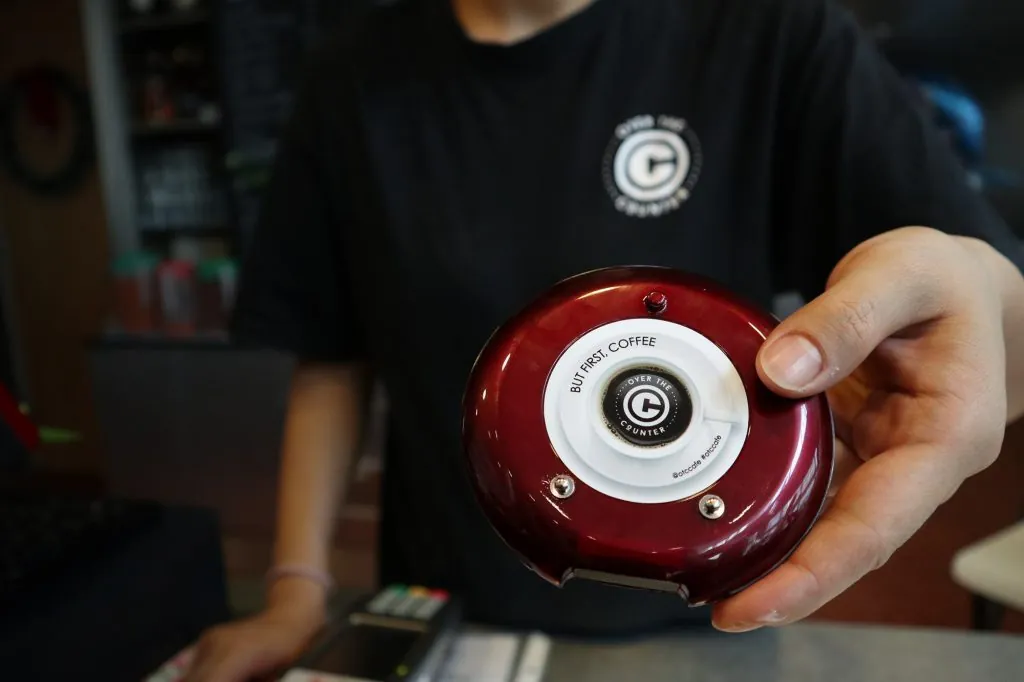
Beep · Flash · Vibrate
A discreet buzz, not a shout
S$20,000
Saved over 2 years, compared with hiring an extra service staff
+25%
Productivity when customers self-serve and are alerted promptly
+15%
Sales from taking orders and issuing pagers at the same time
Figures are SIGNALGRYD estimates.
The Basics
What Is a Customer Paging System?
A customer paging system is a set of wireless pagers, also called buzzers, and a transmitter. Staff hand a pager to each customer, then key in its number when the order, table or appointment is ready, and the pager beeps, flashes and vibrates.
Customers can sit down, browse or step away instead of crowding the counter, and nobody has to call out names or numbers. The system runs on its own radio signal, so it doesn’t depend on your Wi-Fi, a phone or an app.
At a Glance
- Range
- Up to 800 m
- Capacity
- Up to 999 pagers
- Alerts
- Beep, flash and vibrate
- Power
- Rechargeable, on charging bases
- Internet
- Not needed
- Compliance
- CE & IMDA
How It Works
How a Customer Paging System Works
Hand Out a Pager
At the counter, staff give each customer a pager with their order, booking or registration.
Wait Anywhere
Customers sit, browse or step away instead of queuing at the counter.
Buzz When Ready
Staff key in the pager number, and it beeps, flashes and vibrates to call the customer back.
Introduction to Customer Paging
Watch the full process: the pager hand-off, the wait and the buzz.
Products
Choose Your Pager Series
Four pager and buzzer series, one simple system. Not sure which fits? We’ll recommend one.
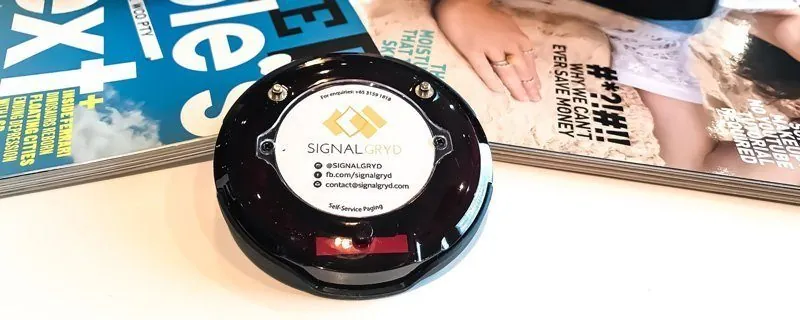
Series Pacific
800 m range, drop-resistant rubber, anti-theft alarm and quick charging.
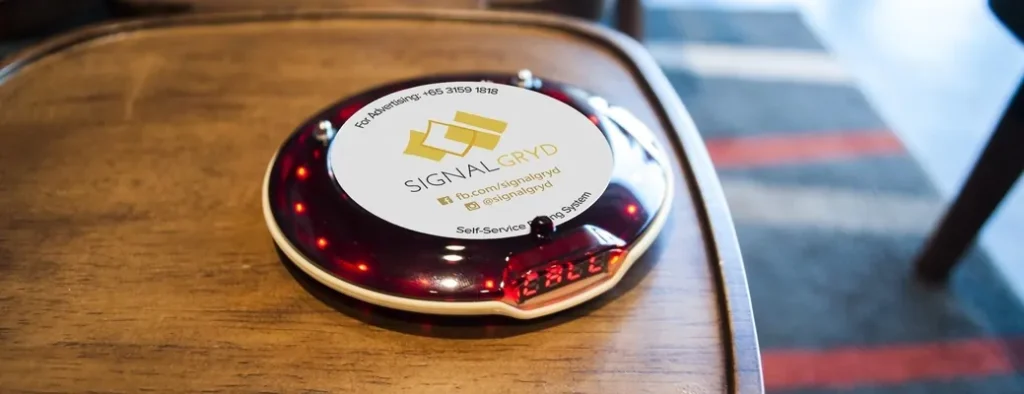
Series Classic
Basic, functional and affordable: the most common pager on the market.
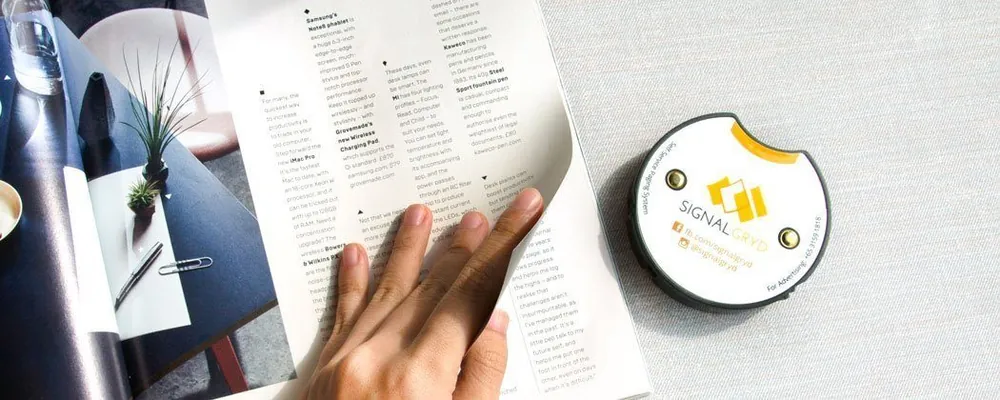
Series Mini S
A small, sleek buzzer that sits comfortably in the palm of your hand.
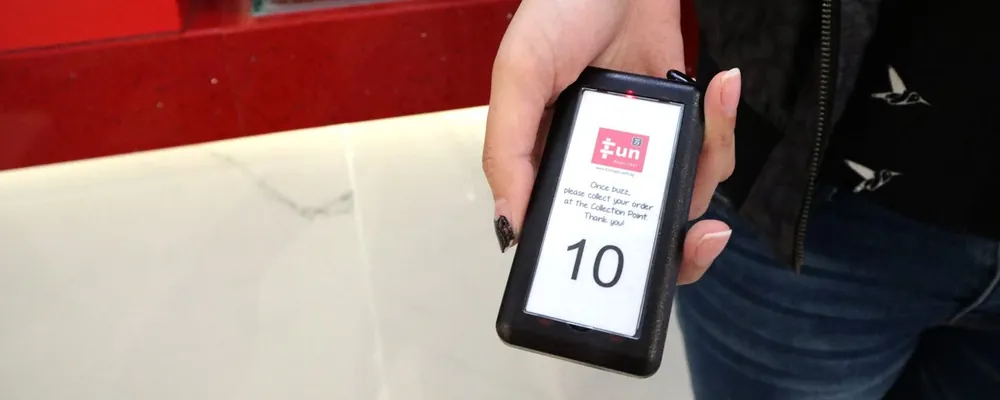
Series Slim
Transmitter and charger in one board, ideal when issuing and collection share a counter.
Every Series Includes
- CE & IMDA Compliant
- Up to 800 m Range
- Water & Impact Resistant
- Smart Charging
- Up to 999 Pagers
- No Wi-Fi or Bluetooth
Range
How Far Do Pagers Reach?
Each series has a maximum transmitting range from the transmitter to the pager. In a real venue, walls, floors and other obstructions shorten it, so tell us your layout and we’ll confirm the right series.
- Series Pacific reaches up to 800 m, for food courts, large venues and grounds
- Series Classic, Mini S and Slim reach up to 400 m
- Walls, floors and metal shorten the working distance
Maximum range by series
- Series Pacific800 m
- Series Classic400 m
- Series Mini S400 m
- Series Slim400 m
Maximum distances. The working range depends on your building.
By Industry
How Customer Paging Is Used Across Industries
The same pagers, set up for how each business serves people.
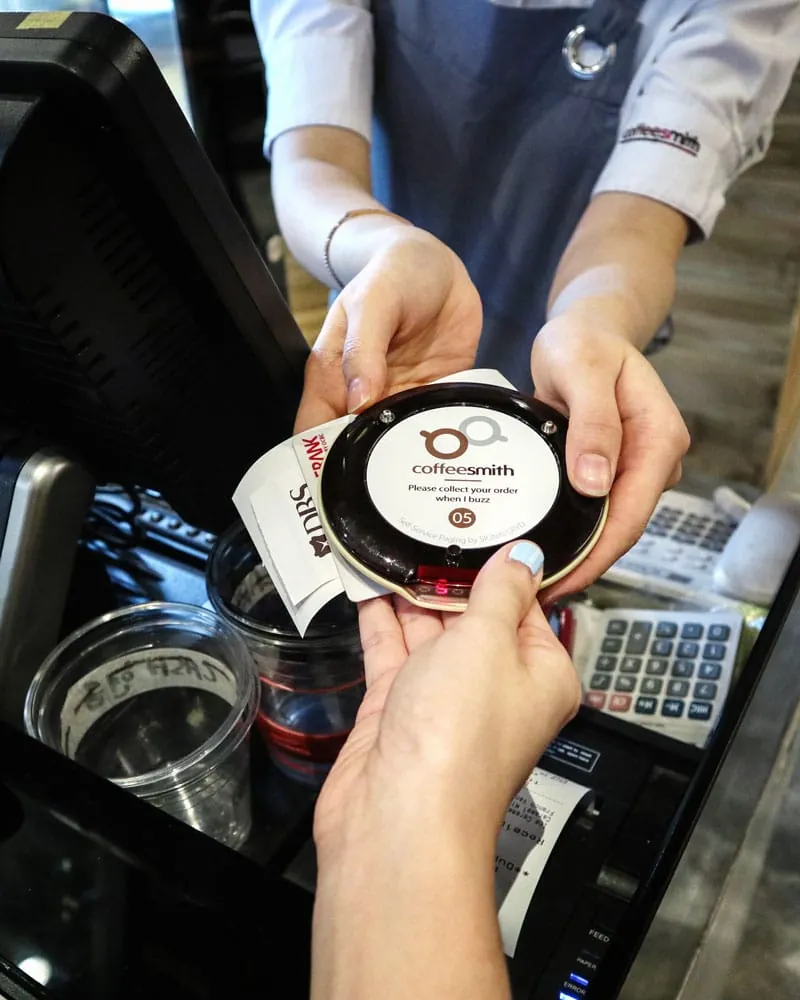
Restaurants, Cafes & Food Courts
Customers order, take a buzzer and find a seat. When the food is ready, staff buzz them back to collect, so the counter stays clear and nobody shouts numbers. Restaurants also hand pagers to guests waiting for a table.
Typical Setup
- A transmitter at the order counter
- Pagers for your busiest hour, plus spares
- Charging bases behind the counter
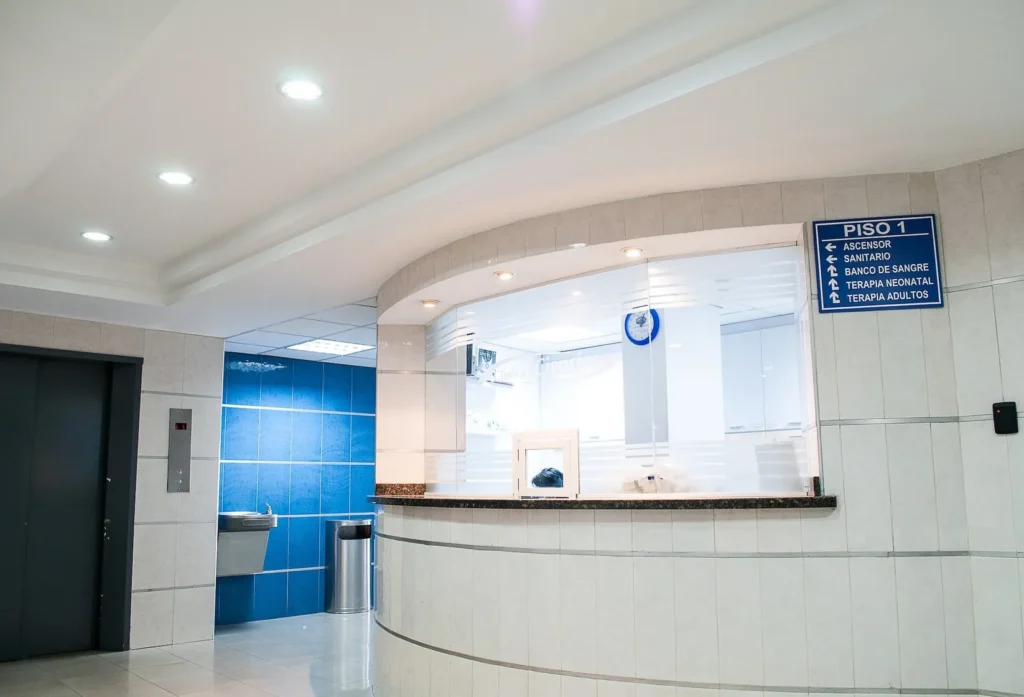
Clinics, Hospitals & Pharmacies
Patients take a pager when they register and wait wherever they’re comfortable. The pager calls them back discreetly when it’s their turn, so names aren’t announced across the waiting room.
Typical Setup
- A transmitter at registration or the pharmacy counter
- Pagers for the patients waiting at peak times
- Vibrate and flash alerts for quiet areas
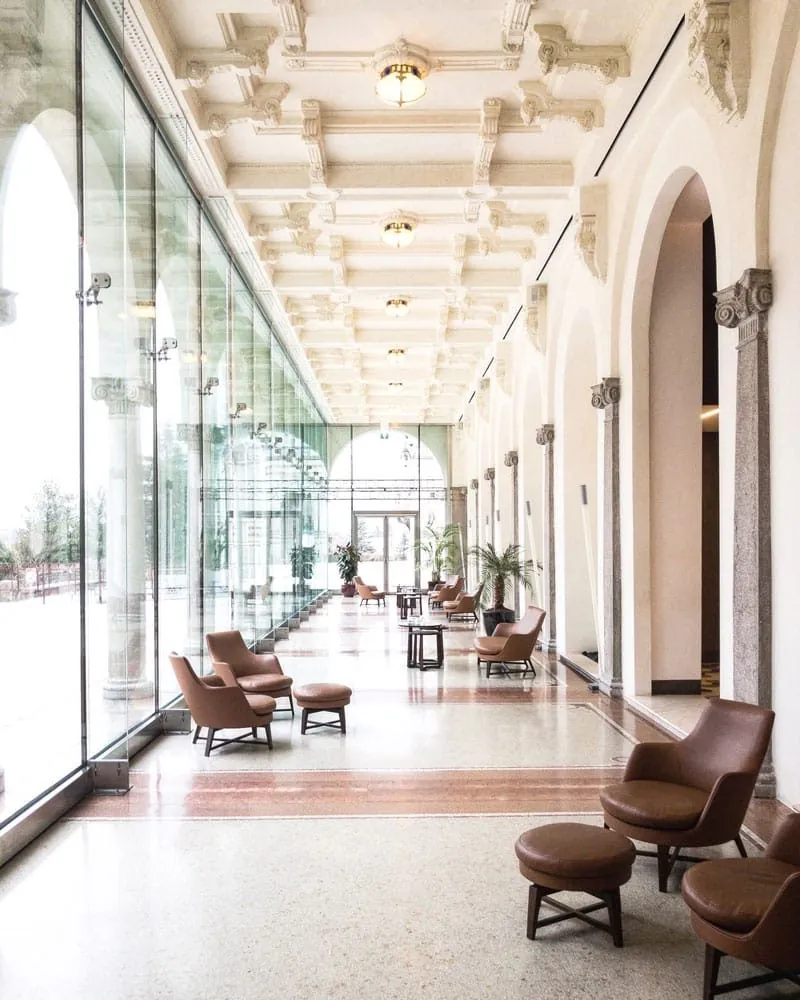
Hotels & Resorts
Guests who arrive before their room is ready take a pager and relax at the bar, the restaurant or the pool. The front desk buzzes them the moment the room is ready.
Typical Setup
- A transmitter at the front desk
- Pagers for early arrivals and restaurant waitlists
- Series Pacific for large grounds
Also Used In
- Automotive
- Beauty & Cosmetics
- Logistics
- Education
- Government
Compare
Pagers vs Calling Out Names vs Queue Apps
Three common ways to tell someone it’s their turn, side by side.
| Method | How people are called | What customers need | Privacy | Works without internet |
|---|---|---|---|---|
| Calling out names or numbers | A shout or an announcement across the room | To stay within earshot | Everyone hears the name | Yes |
| Queue apps or SMS | A message on the customer’s phone | A phone, mobile data and often a sign-up | Customers share a phone number | No |
| Wireless pagers | The pager beeps, flashes and vibrates in their hand | Nothing: you hand them the pager | Nothing is shared | Yes |
Prefer numbers on a screen? See our queue management systems.
Benefits
Why Businesses Switch to Customer Pagers

Keep Customers Comfortable
Customers stay seated and relaxed until it’s their turn, then get a discreet buzz.
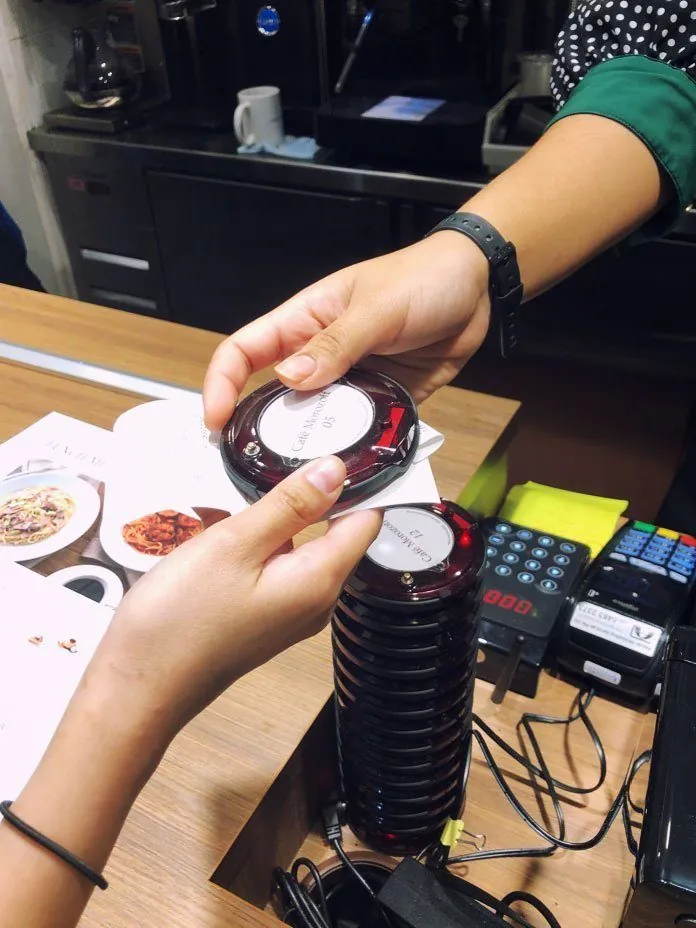
Serve With Fewer Hands
Staff stop searching for customers and focus where they’re needed, which makes better use of every shift.
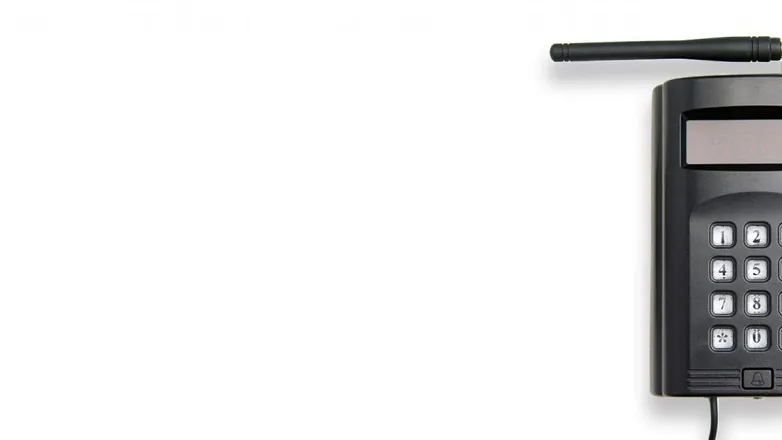
Simple by Design
Straightforward hardware with no reliance on Wi-Fi or Bluetooth. Switch it on and it just works.
Sizing
How Many Pagers Do You Need?
Three quick steps. Then we’ll confirm the setup and send a quotation.
Count Your Busiest Hour
How many customers wait at the same time when you’re busiest? That’s your starting number of pagers.
Add a Few Spares
Keep some extra so there’s always a charged pager to hand out. You can add more later as you grow.
Plan the Charging
Series Pacific and Classic use one charging base for every 10 pagers; Mini S and Slim have their own chargers. Pagers rest on the charger between uses.
What Affects the Price
- The pager series you choose
- How many pagers you need
- The number of transmitters and charging bases
- No Monthly Fees
- 10% Price Beat
- No GST
Price beat applies to bundled sets. T&Cs apply.
FAQ
Customer Paging System FAQs
Do the pagers need Wi-Fi or Bluetooth?
No. It’s standalone hardware with no reliance on Wi-Fi, Bluetooth or the internet, so it keeps working even when your network doesn’t.
Pager, buzzer, beeper or coaster pager: what’s the difference?
They’re different names for the same thing: a small wireless device that alerts a customer when it’s their turn. In Singapore you’ll also hear “food court beeper”. Coaster pagers are simply the flat, round style.
How far do pagers reach?
Up to 800 m with Series Pacific and up to 400 m with Classic, Mini S and Slim. Walls and floors shorten the working range.
How long does a pager’s battery last?
It depends on usage and wear, but a fully charged pager usually lasts around 2–4 hours on standby. Between customers, pagers sit on the charging base, so they’re ready for the next one.
How many pagers can one system handle?
Up to 999 pagers on a single system, so you can start small and add more as you grow.
Can we add more pagers later?
Yes. Add pagers whenever you need them. Each new pager is paired to your system, which you can do yourselves with no software, and we’re happy to help.
What stops customers taking a pager home?
Series Pacific and Mini S have a built-in anti-theft alarm that sounds if a pager is taken too far from your premises.
Can it work with my POS system?
Yes. Run it on its own or alongside your point-of-sale system. Staff simply key in the pager number when an order is ready.
Is there a monthly fee?
No. You buy the system once, with no monthly fees or subscriptions.
How much does a customer paging system cost?
Pricing depends on how many pagers, chargers and transmitters you need, so we quote for each business. Tell us your quantities and we’ll send a quotation within 24 hours.
How long does delivery take?
Usually about one week when the items are in stock, or up to two weeks when they need to be restocked.
Which series is right for me?
Tell us about your counter and waiting area and we’ll recommend one. We reply within 24 hours.